
Two plugins included
Busy Works Beats AI Vocals
$127one-time purchase
Mac only for now. Windows version coming.
Full vocal processing, mastering controls and the separate Live plugin for recording.
Find your vocal sound
One product. Two plugins. Record with Live, then finish with the full vocal and mastering workspace. Both editions are included.
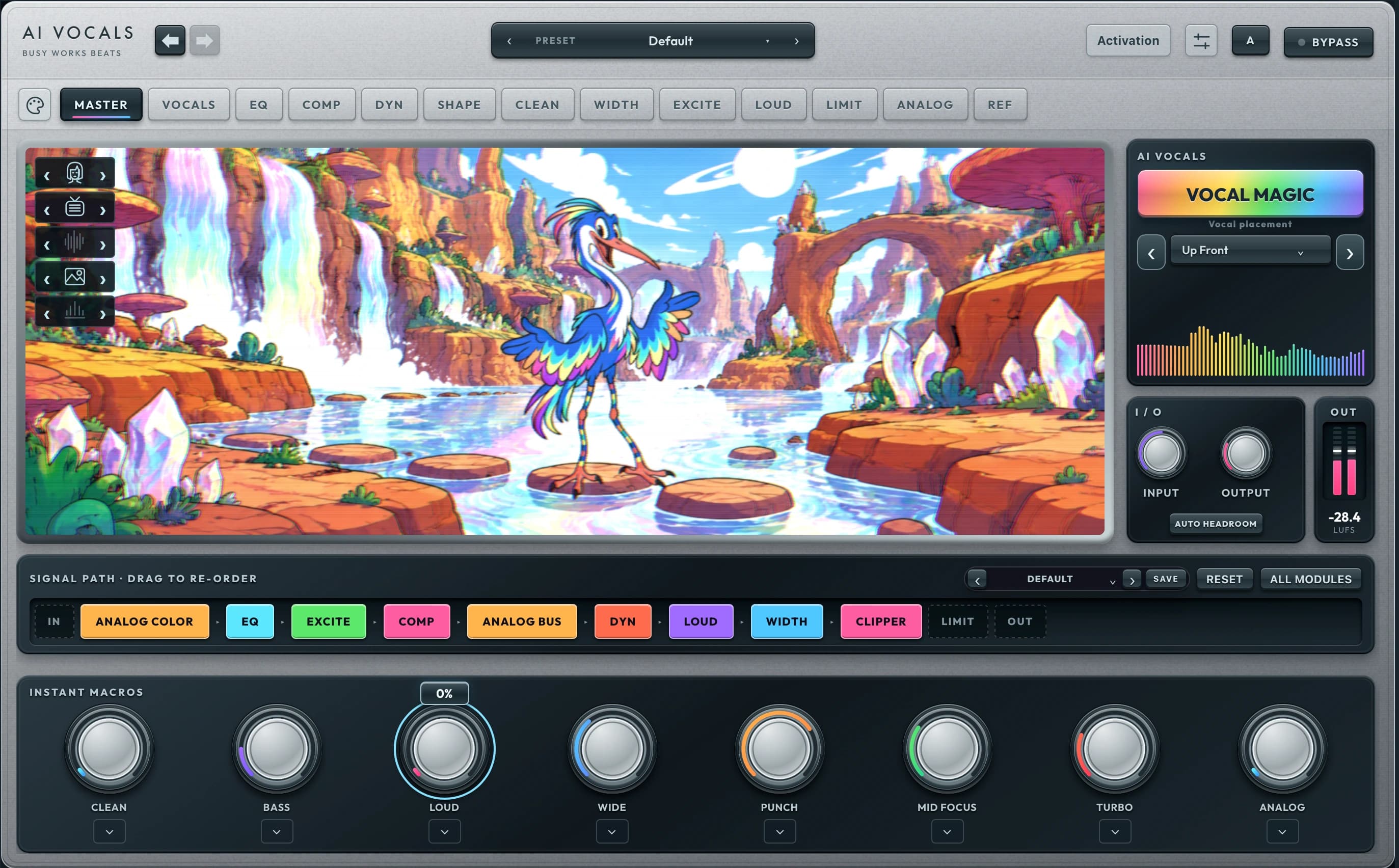
Full includes both plugins as separate downloads. Live is also available on its own.
Two plugins included
$127one-time purchase
Mac only for now. Windows version coming.
Full vocal processing, mastering controls and the separate Live plugin for recording.
Live edition only
$49one-time purchase
Mac only for now. Windows version coming.
The streamlined vocal chain and creative effects, with zero added DSP latency.
Included for fully paid Black Box Bundle owners. Both editions are available in your account and Download Manager. Live alone does not include the Full edition.
| Feature | Full | Live |
|---|---|---|
| Best for | Mixing and detailed vocal finishing | Recording and monitoring |
| Plugins included | AI Vocals + AI Vocals Live | AI Vocals Live |
| Vocal Magic | Vocal chain + mastering macros | Vocal chain |
| Gate, level, body, air and color | Included | Included |
| Reverb, synced delay and modulation | Included | Included |
| Spectral vocal cleanup + removed-signal solo | Included | Not included |
| Manual pitch correction | Included, off by default | Not included |
| Mastering macros and detailed mastering tabs | Included | Not included |
| Added processing latency | Latency compensated by your DAW | Zero added DSP latency |
Live adds no DSP buffering latency. Your audio interface and DAW buffer still contribute delay. Full is intended for mixing, with its processing latency reported to the DAW. Pitch correction is manual and is excluded from Vocal Magic.
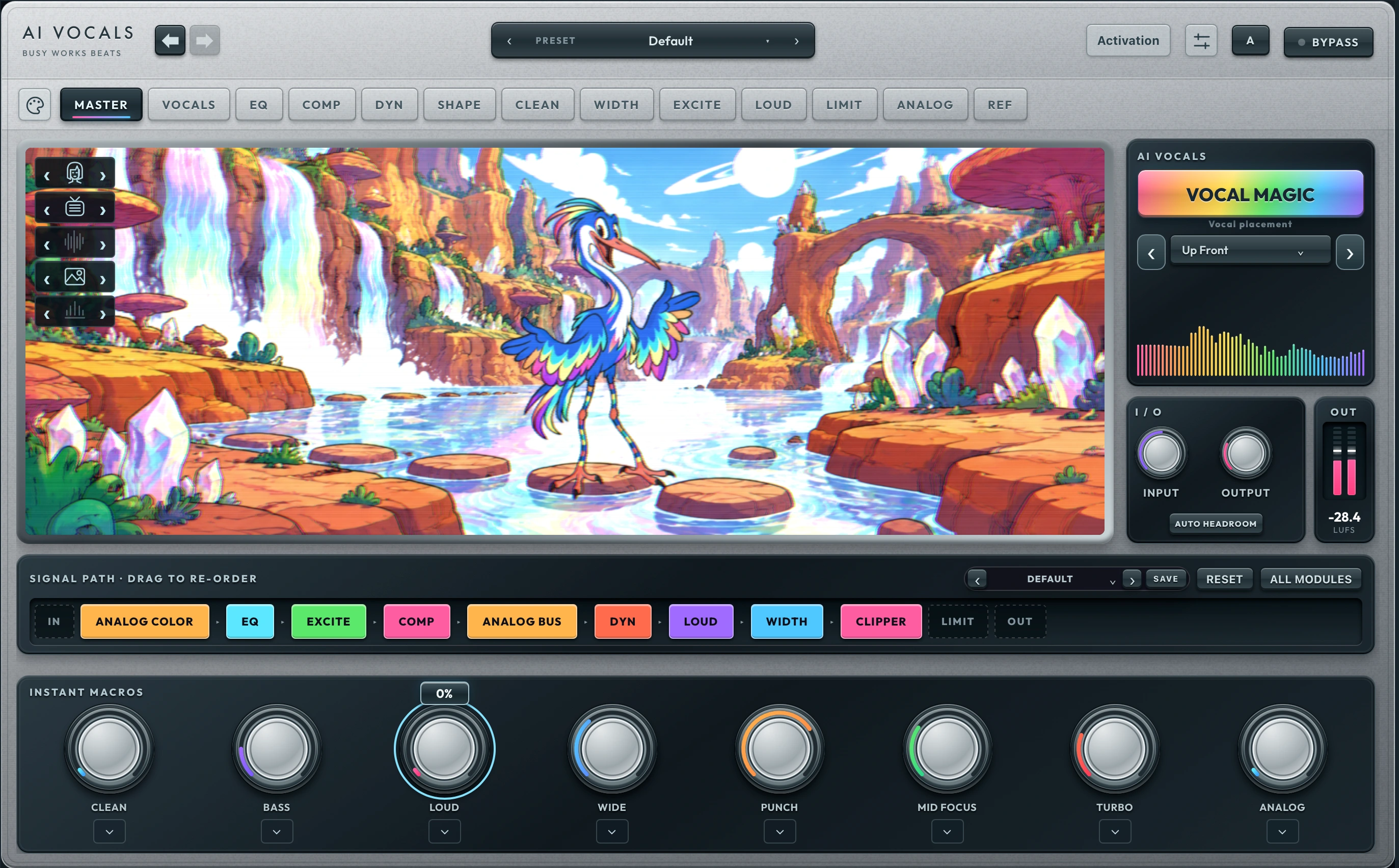
Vocal Magic adapts the vocal chain and the main mastering macros. Keep shaping with Clean, Bass, Loud, Wide, Punch, Mid Focus, Turbo and Analog.
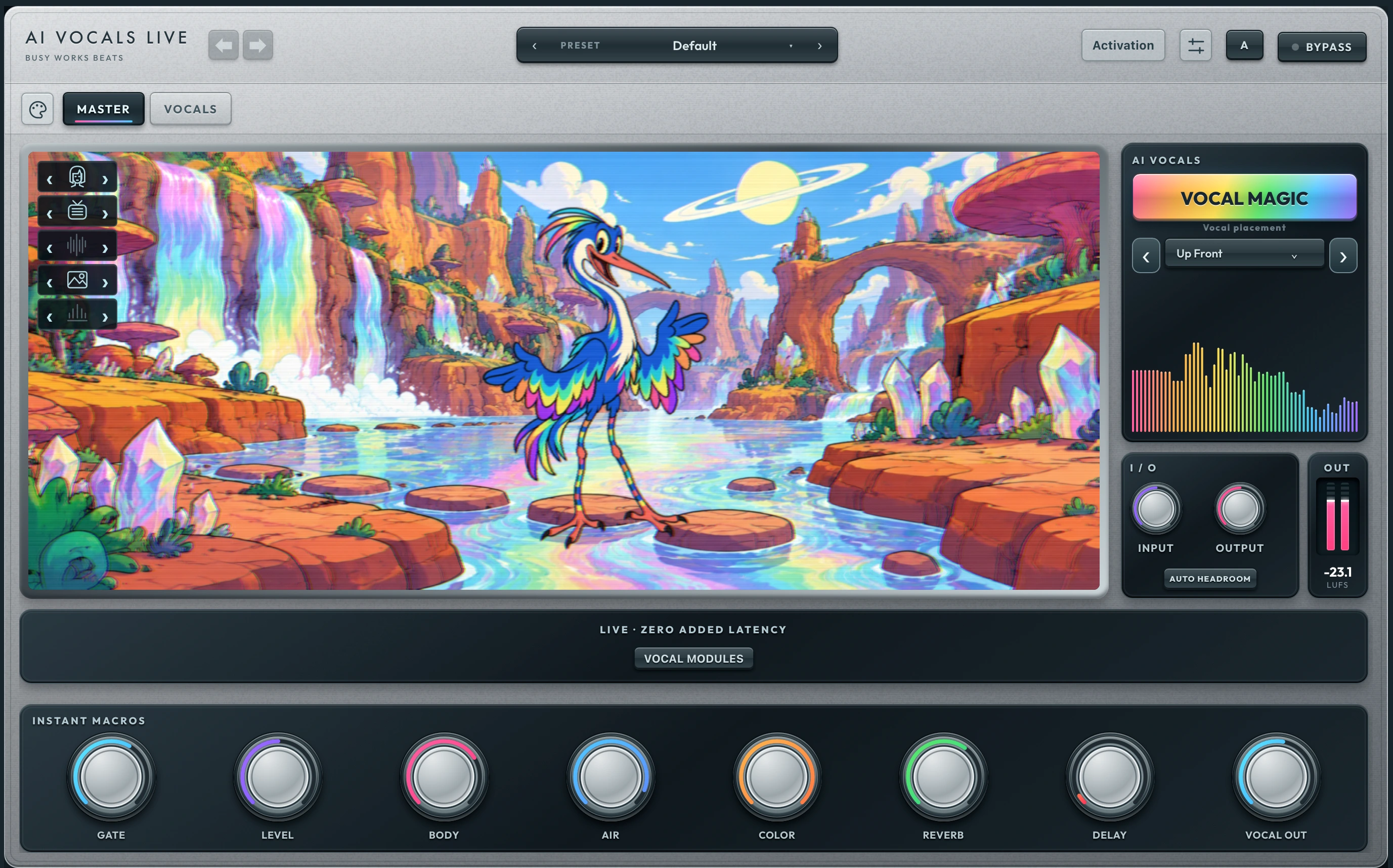
Eight vocal macros on the front panel, plus the vocal modules and creative effects. Live skips the buffered spectral cleanup, pitch correction and mastering chain.
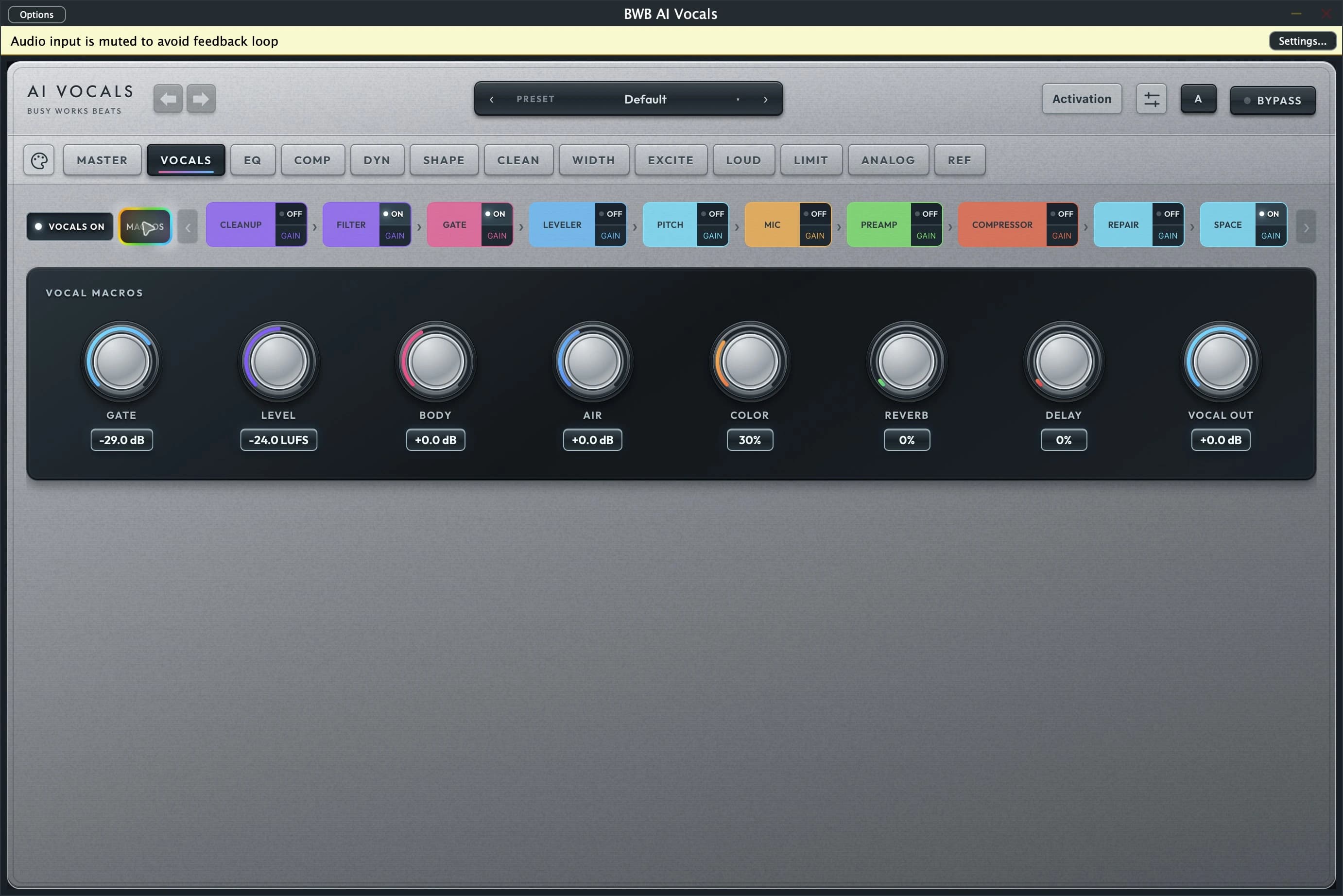
Choose a tab to see its controls, then open the screenshot at full size for a closer look. These are fresh captures from the running plugins.
Choose Up Front, Spacious or Background Vocals. Play your vocal so Vocal Magic can listen, apply a starting chain and match the captured input loudness with peak protection. Then adjust every setting to suit the performance. Extreme input peaks may need a quieter output for headroom.
Available for Mac as AU and VST3. Universal binaries for Apple Silicon and Intel. Mac only for now. Windows version coming. Screenshots show the Mac interface.